A synthetic micro-benchmark for measuring the peak achievable compute performance of CPUs and GPUs. It exercises tight vector, MAD and MMA kernels, together with vendor-optimized GEMM libraries, to expose what the silicon can actually reach — not what the spec sheet claims.
Originally an OpenCL benchmark, clpeak now drives OpenCL, Vulkan, CUDA, ROCm/HIP, Metal, oneAPI/SYCL and a native CPU backend from one codebase, so the same tests can be compared across APIs on the same machine.
What it measures
- Compute — single/half/double/mixed precision, integer and dot-product throughput, divide and sqrt unit rates.
- Matrix engines — tensor cores and their equivalents: CUDA
mma.sync, AMD MFMA (dense and 2:4 sparse), Applesimdgroup_matrix, Intel XMXjoint_matrix, Vulkan cooperative matrices, CPU AMX/SME/SMMLA. - Vendor GEMM libraries — cuBLASLt, rocBLAS/hipBLASLt, MPS/MPSGraph, oneMKL, Accelerate/BNNS, so a hand-rolled kernel can be checked against the tuned path.
- Bandwidth — global, local/shared, image and host transfer; CPU cache and DRAM levels.
- Latency — kernel launch round-trip, memory latency, atomics and branch-mispredict cost.
Every test carries a description of what it does and how to read the number,
both in the app (the info glyph beside each row) and on the CLI
(clpeak --describe).
Backends
| Backend | Runs on |
|---|---|
| OpenCL | Any conformant CPU/GPU/accelerator |
| Vulkan | Any Vulkan 1.1+ GPU, including cooperative-matrix paths |
| CUDA | NVIDIA GPUs |
| ROCm/HIP | AMD GPUs |
| Metal | Apple silicon and Intel Macs |
| oneAPI/SYCL | Intel GPUs |
| CPU | x86-64 and AArch64, runtime-dispatched per ISA |
The desktop app
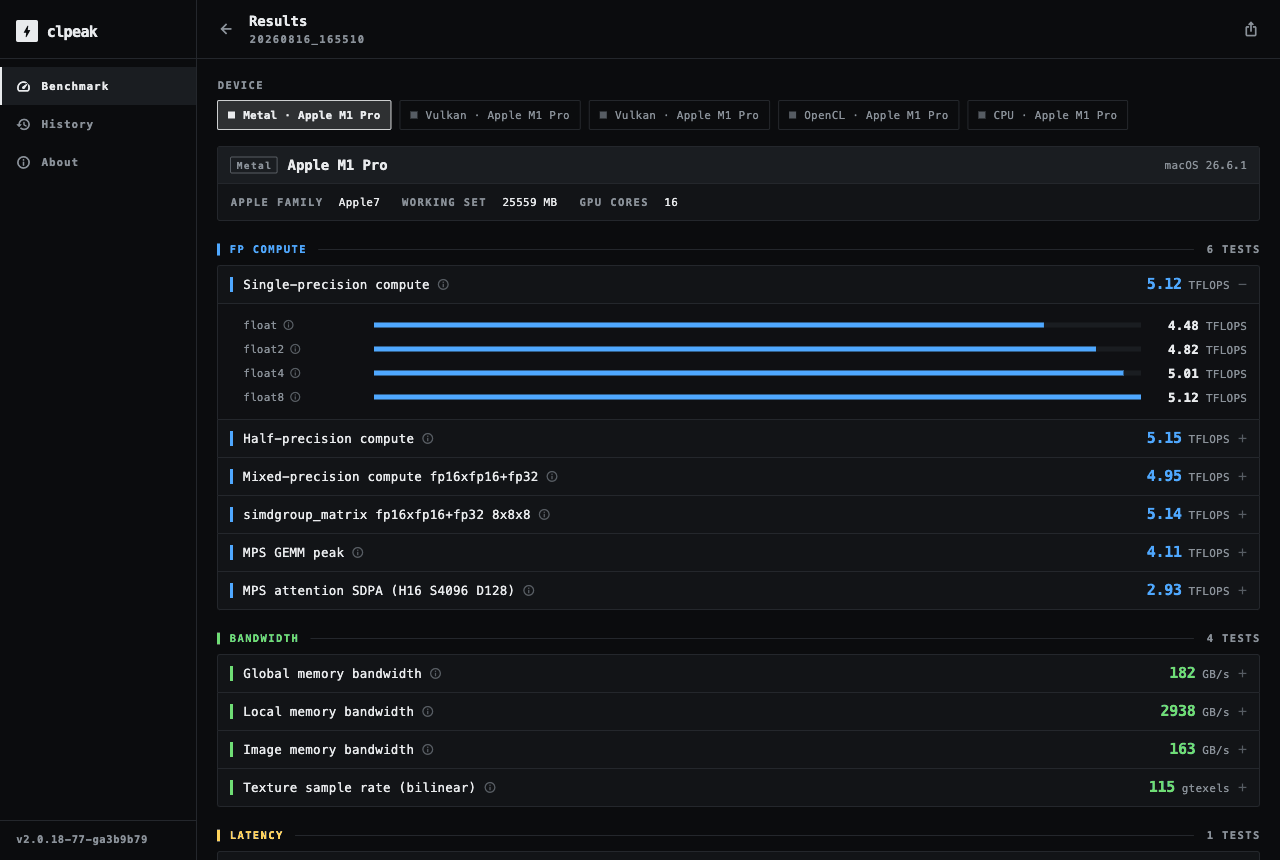
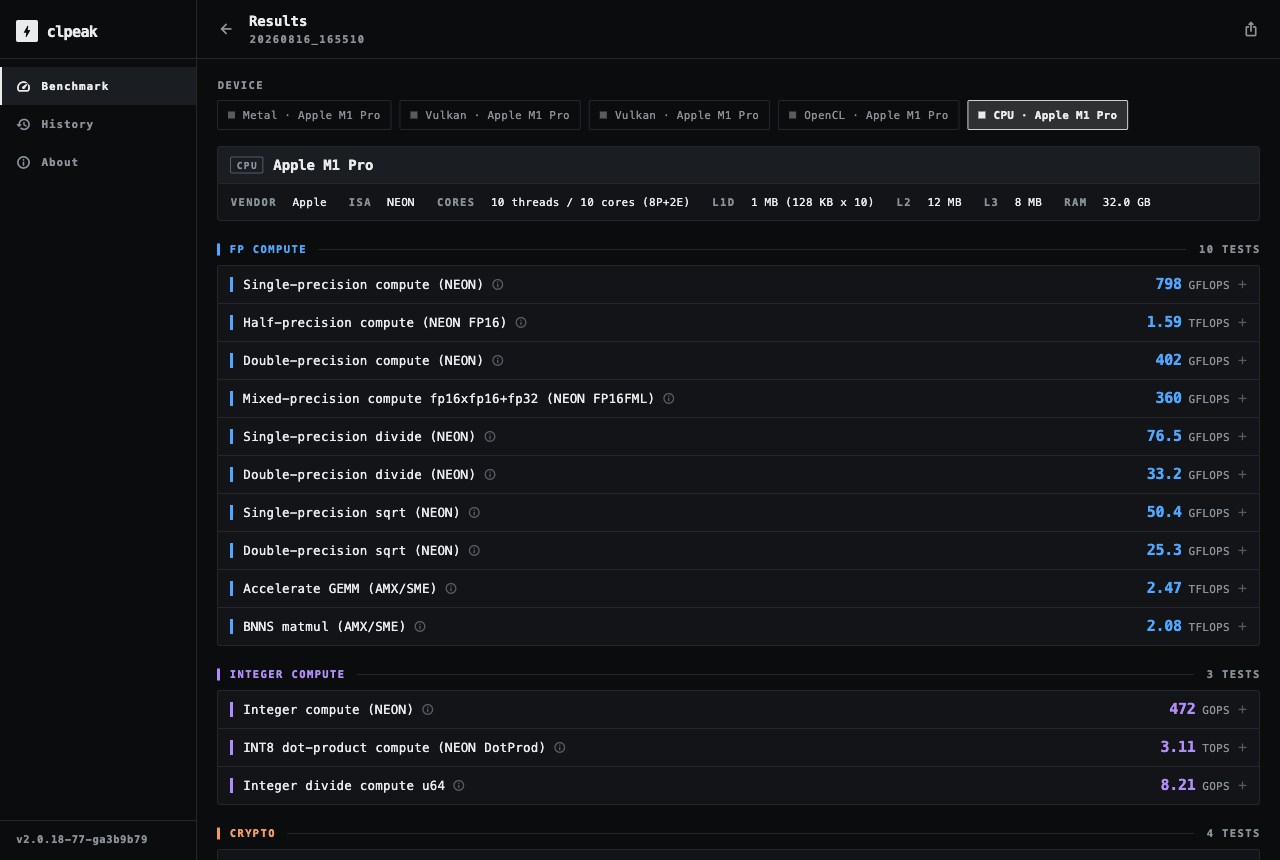
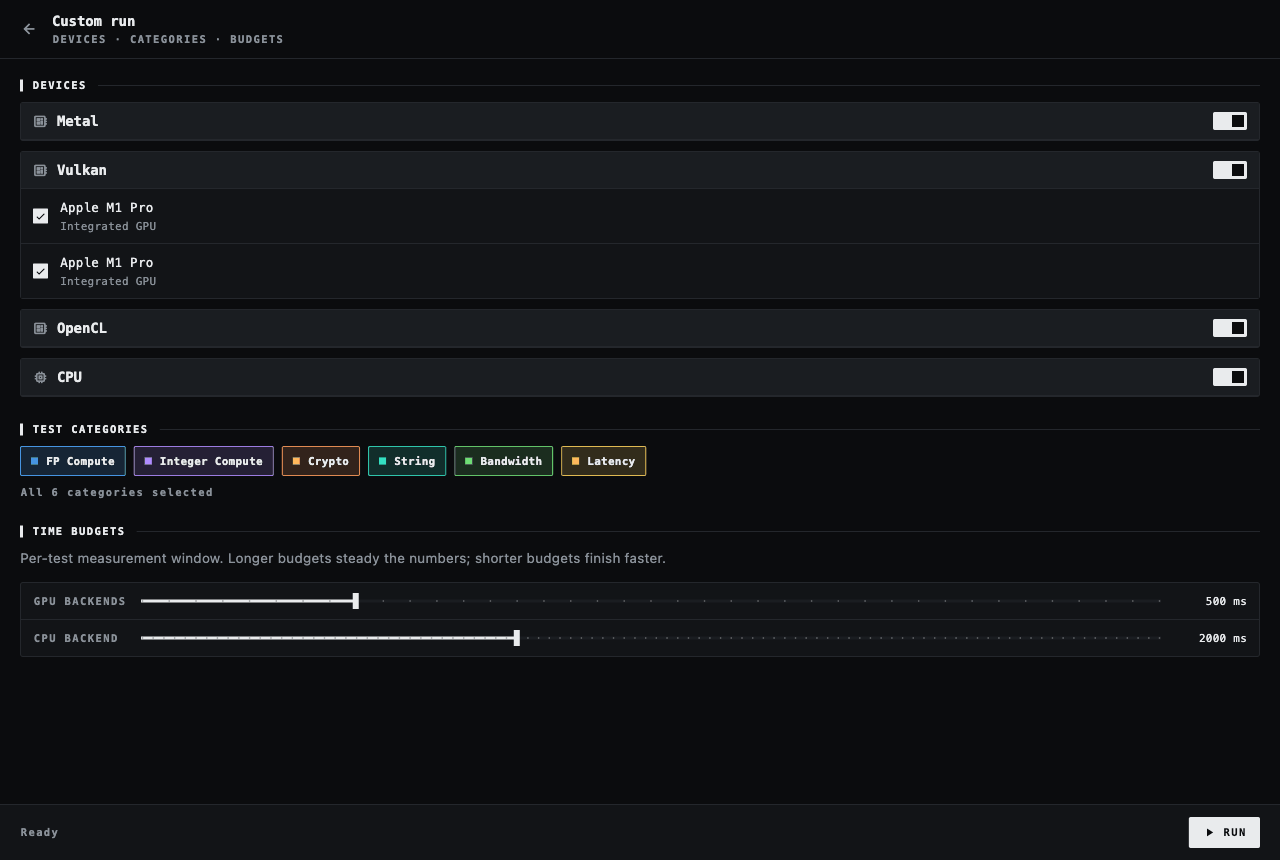
The GUI and the CLI are the same benchmark engine — one Flutter app for macOS, Linux and Windows (and Android/iOS from the same codebase), talking to the native backends over a C ABI. It detects every device on the machine, streams results in as they land, and saves each run to a history you can rename and export as clpeak’s XML, JSON or CSV.
Download
Prebuilt binaries for each tagged release. The cuda, rocm and oneapi
variants add the backends that need a vendor SDK present at build time;
everything else is in the plain archive for the platform. Where a macOS .dmg
is listed, it is the desktop app — drag it to Applications.
See the latest release for downloads.
Older versions are on the releases page.
macOS builds are ad-hoc signed, so a downloaded copy starts out quarantined — right-click the app and choose Open the first time, or clear the attribute:
xattr -dr com.apple.quarantine /Applications/clpeak-gui.app
From a store
On Linux the snap uses classic confinement, so it can reach the GPU drivers and device nodes the benchmarks need:
sudo snap install clpeak --classic
Build from source
git clone https://github.com/krrishnarraj/clpeak
cd clpeak
git submodule update --init --recursive
cmake -S . -B build
cmake --build build -j
./build/clpeak
Optional backends are auto-detected and enabled when their SDK is found; each
one can be turned off at configure time (-DCLPEAK_ENABLE_CUDA=OFF and
friends). The desktop app builds alongside the CLI whenever the Flutter SDK is
on PATH, landing in build/clpeak-gui/.
Command line
The CLI is uniform across backends — the same selection and output flags work whichever API is doing the work.
./clpeak                            # every test, every available backend
./clpeak --metal                    # one backend
./clpeak --cuda --vulkan            # or several
./clpeak --single-precision-compute # one test, everywhere
./clpeak --describe                 # explain what each reading measures
./clpeak --json-file out.json       # save results (also --xml-file / --csv-file)
./clpeak --compare baseline.json    # diff this run against a saved baseline
Contributing
The repository is documented for both people and coding agents: AGENTS.md
files map the tree level by level, starting at the
root one, with the
architecture, directory map and the conventions for adding a benchmark or a
backend. Reference runs for known hardware live in results/, which is where a
suspicious number gets checked first.
Bug reports and pull requests go to the issue tracker.